Watch on your Android phone
Put the BoxSeat app on your Android phone or tablet, straight from our website. No Play Store needed.
You'll need
- An Android phone or tablet (Android 7 or newer)
- The Chrome app
- Your BoxSeat account email (or username) and password
Open Chrome and go to getboxseat.com/app
Use Chrome, the web browser on most Android phones. Type the address below at the top of the screen.
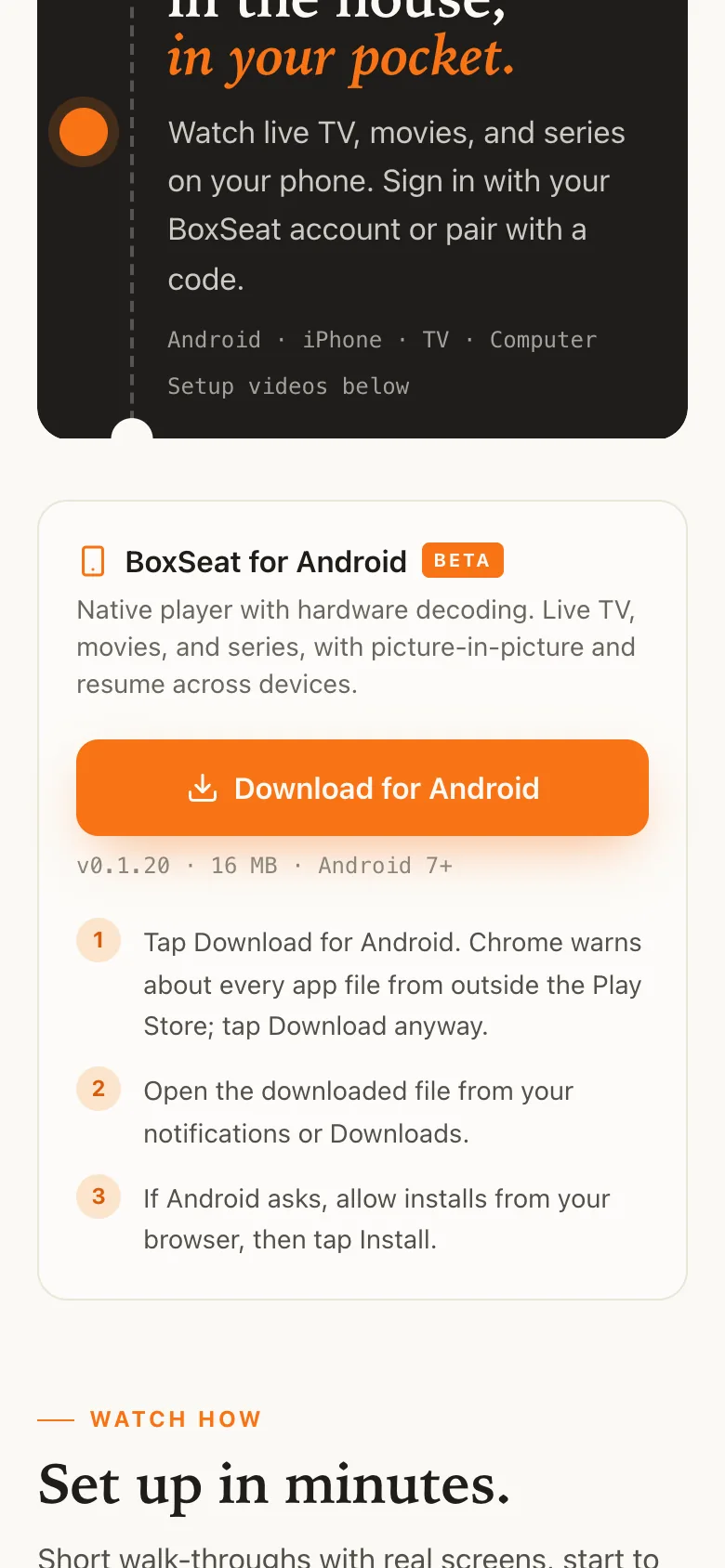
Type exactly this getboxseat.com/app I did thisTap Download for Android
It's the big orange button.
 I did this
Tap Download anyway
Chrome warns about every app file that doesn't come from the Play Store. That's normal.
No warning? Chrome skipped it. Go on to the next step.
I did thisTap Open
When the download finishes, Chrome says File downloaded. Tap Open next to it.
Missed it? Swipe down from the top of the screen and tap the download. Or open your Files app and look in Downloads.
I did thisTap Settings
Your phone asks before installing an app from Chrome. That's normal.
Went straight to Install? Your phone already allows it. Skip the next step.
I did thisTurn on Allow from this source, then go back
Tap the switch next to Allow from this source so it turns on. Then tap the back arrow at the top left. You only do this once.
I did thisTap Install
Your phone asks if you want to install BoxSeat.
If Google Play Protect asks to check the app first, let it. Then tap Install.
I did thisTap Open
BoxSeat is installed. Its icon is on your phone now too.
You'll see: BoxSeat's welcome screen.
I did thisTap Sign in with email
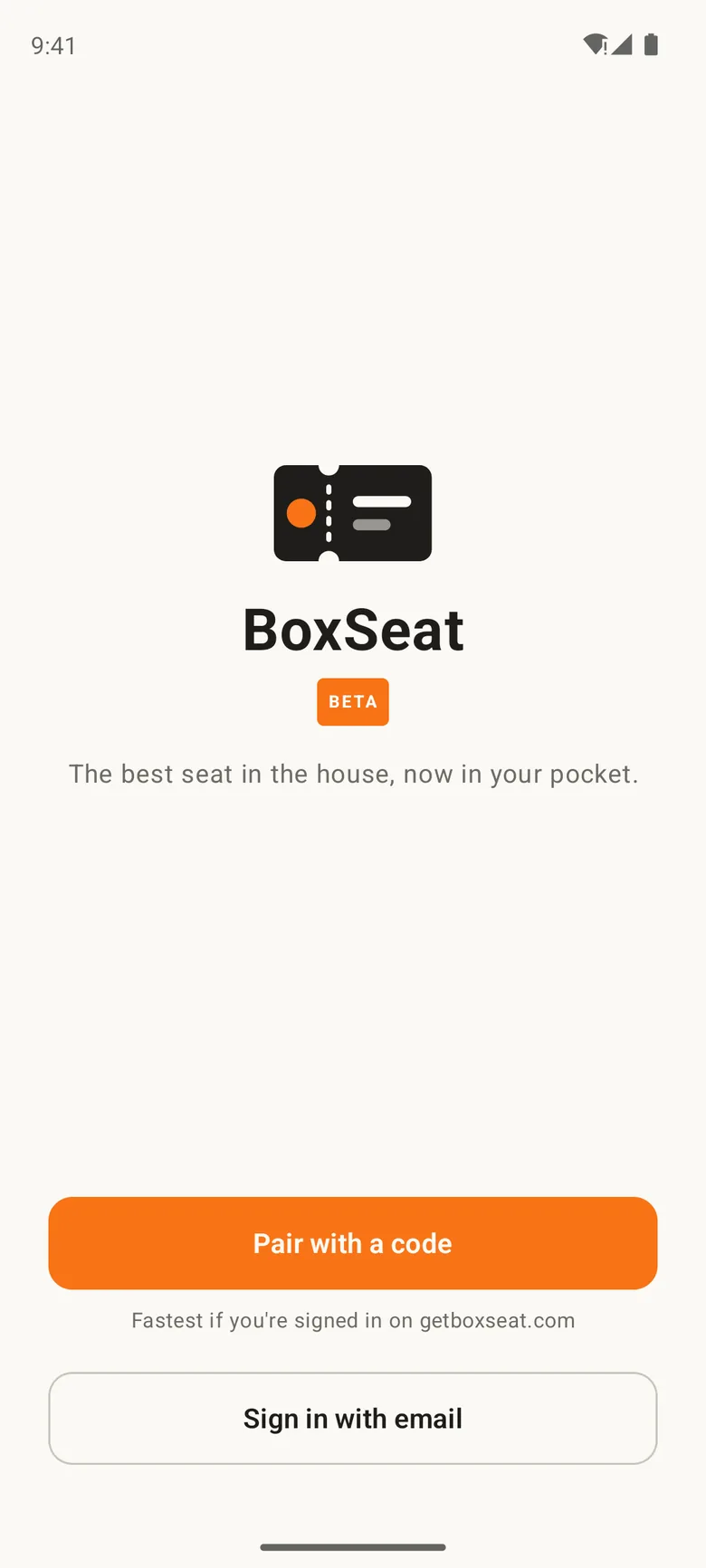
Already signed in on getboxseat.com in Chrome? Tap Pair with a code instead, then Approve in this phone's browser.
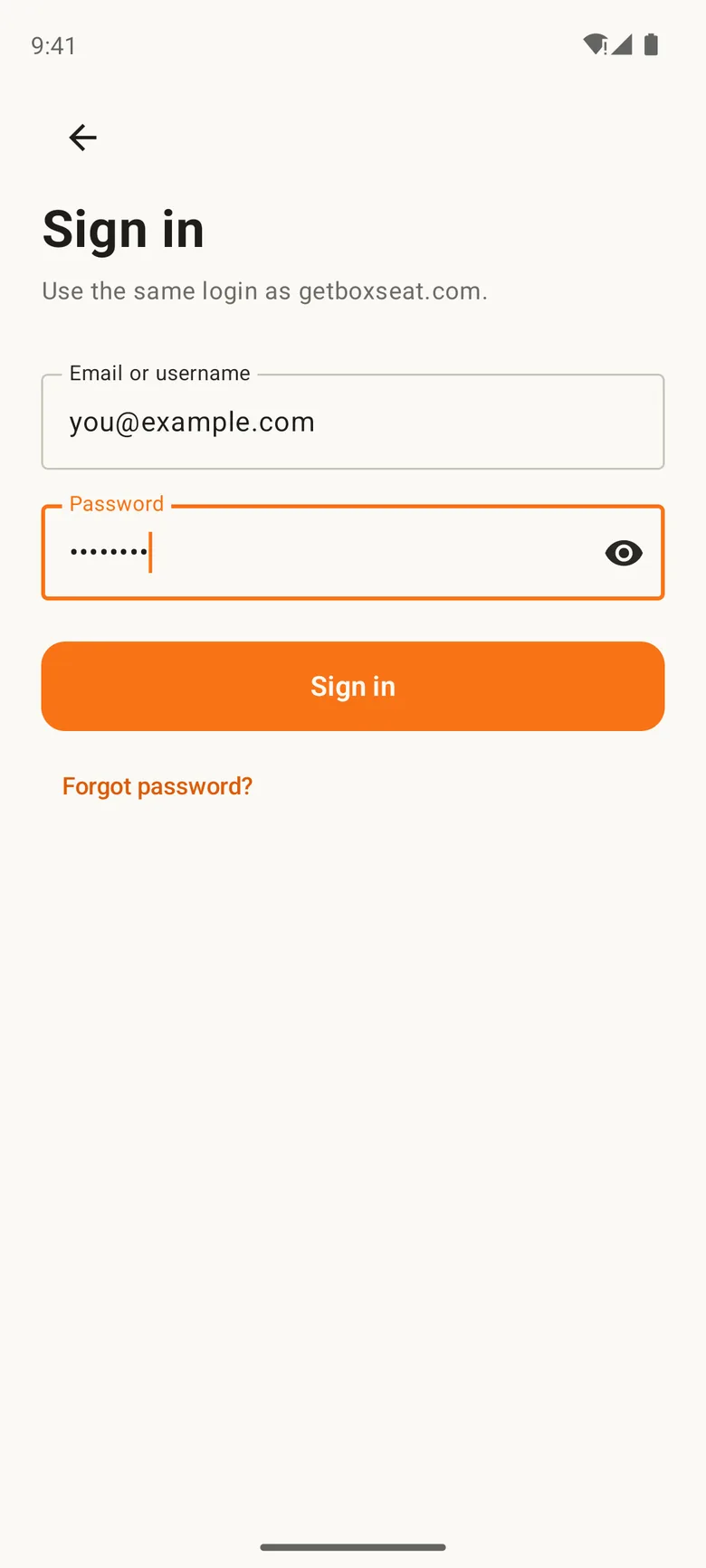
I did thisSign in with your BoxSeat account
Type the email (or username) and password for your BoxSeat account. Then tap Sign in.
You'll see: BoxSeat opens, with Live, Movies and Series along the bottom.
If BoxSeat shows a one-time offer first, tap Maybe later to go straight to your channels.
I did thisGeneral Admission plays in the Android app too. On an iPhone or iPad instead? It has its own guide. Watch on your iPhone or iPad →
BoxSeat is on your phone. The best seat in the house, now in your pocket.
Still stuck? We'll help.
Tell us what you see on your screen. A real person answers every message.
Ask the Usher Write to usOr email support@getboxseat.com